Every feature, and where it stands.
Pick an area or a role. Each card says whether it works today or is coming soon, and nothing is shown as available until it is.
- Available Works in the product today.
- Coming soon Designed or being built, and not released yet.
24 features work today, and 19 more are on the way. Every one is listed, with whether you can use it now.
Requests
5 features
- Available
Report a problem with a photo
Residents describe it, attach a photo, and see the service hours and expected reply before they send.
- Available
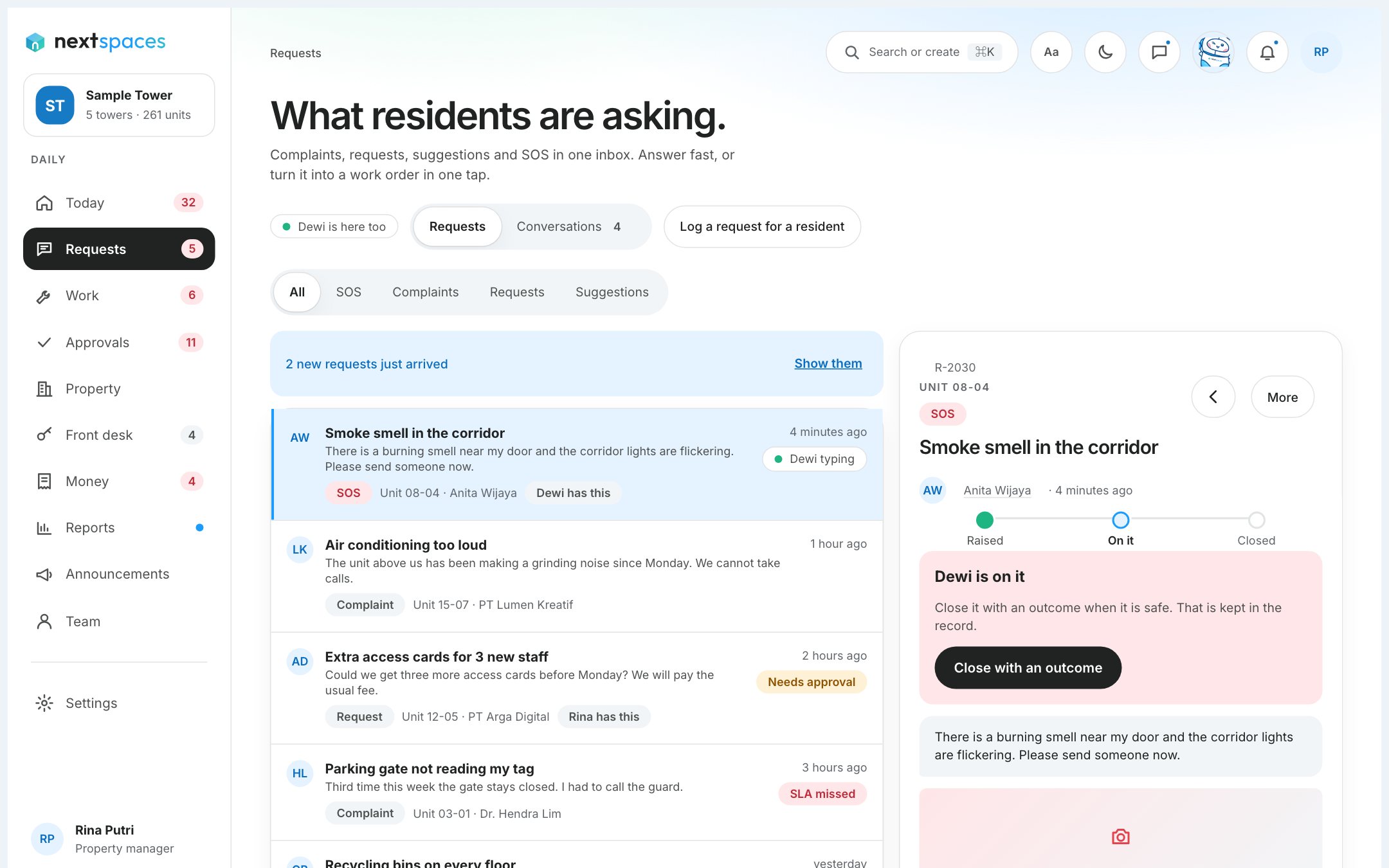
One inbox for every request
Filter by kind and status, reply to the resident, or leave an internal note they never see.
- Available
Reply clock and escalation
Every request has a reply time. When it is missed, it is flagged and escalated.
- Available
Confirm the fix, or reopen
When a job is done the resident confirms it, or says it is not fixed and the request reopens.
- Coming soon
Replies inside the request
Residents answer back in the request itself, next to the manager’s reply.
Work orders
6 features
- Available
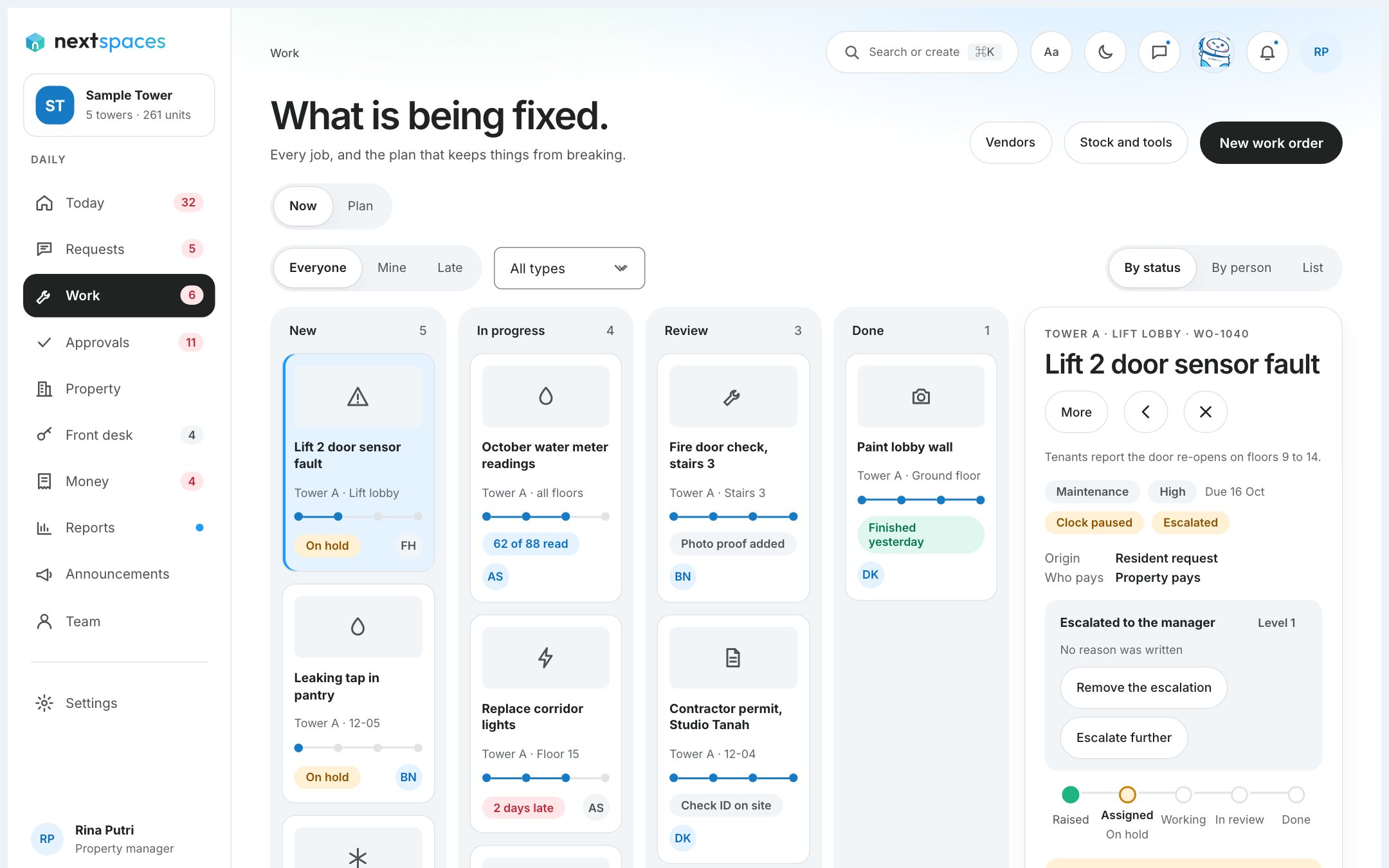
Make a job from a request
One step turns a request into a work order, linked both ways.
- Available
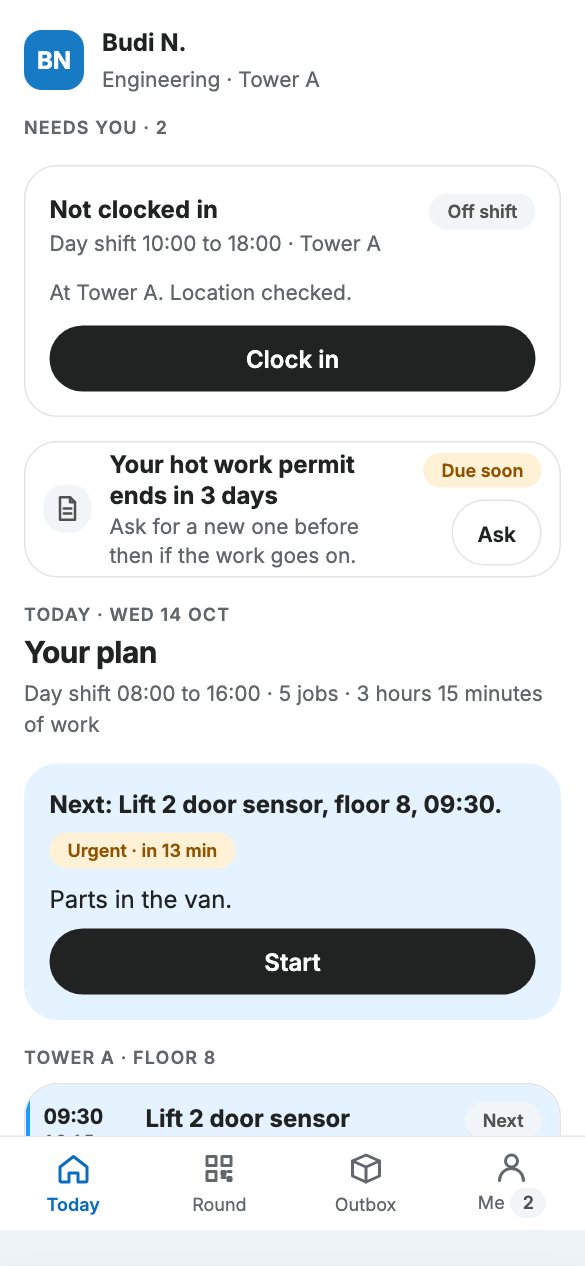
Take, start, submit
A technician takes a job, starts it, adds photos and a note, and submits it for review.
- Available
Verify and close
The manager checks the work and closes the job, and the resident is asked to confirm.
- Available
Request a part
Ask for a part from the job. Spend over Rp 5 jt waits for an approval first.
- Coming soon
Pick who does the job
Choose from the people who can take it, and they are told.
- Coming soon
Day plan and shift board
A technician’s day ordered by building and floor, and a shift board for managers.
Today and approvals
3 features
- Available
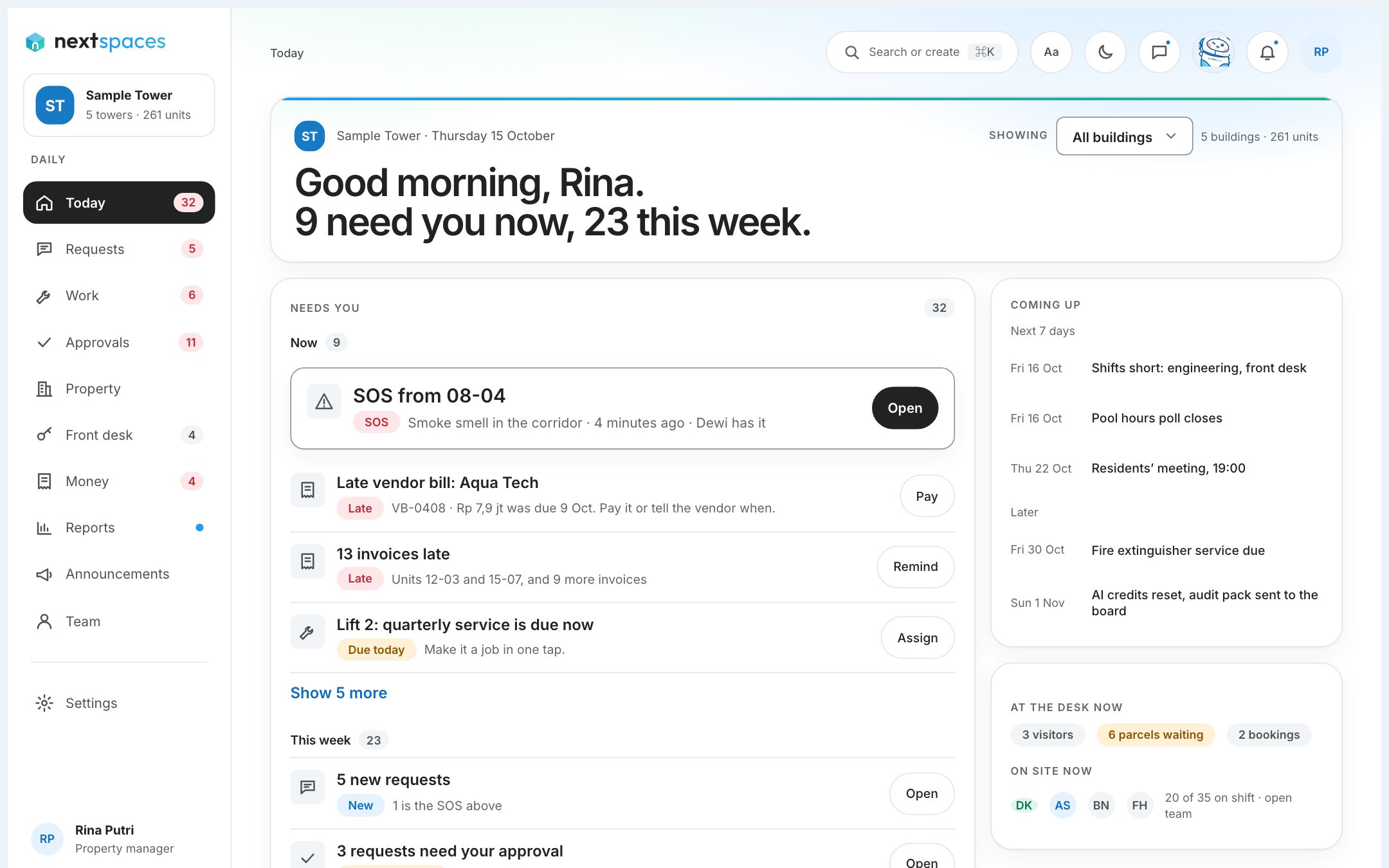
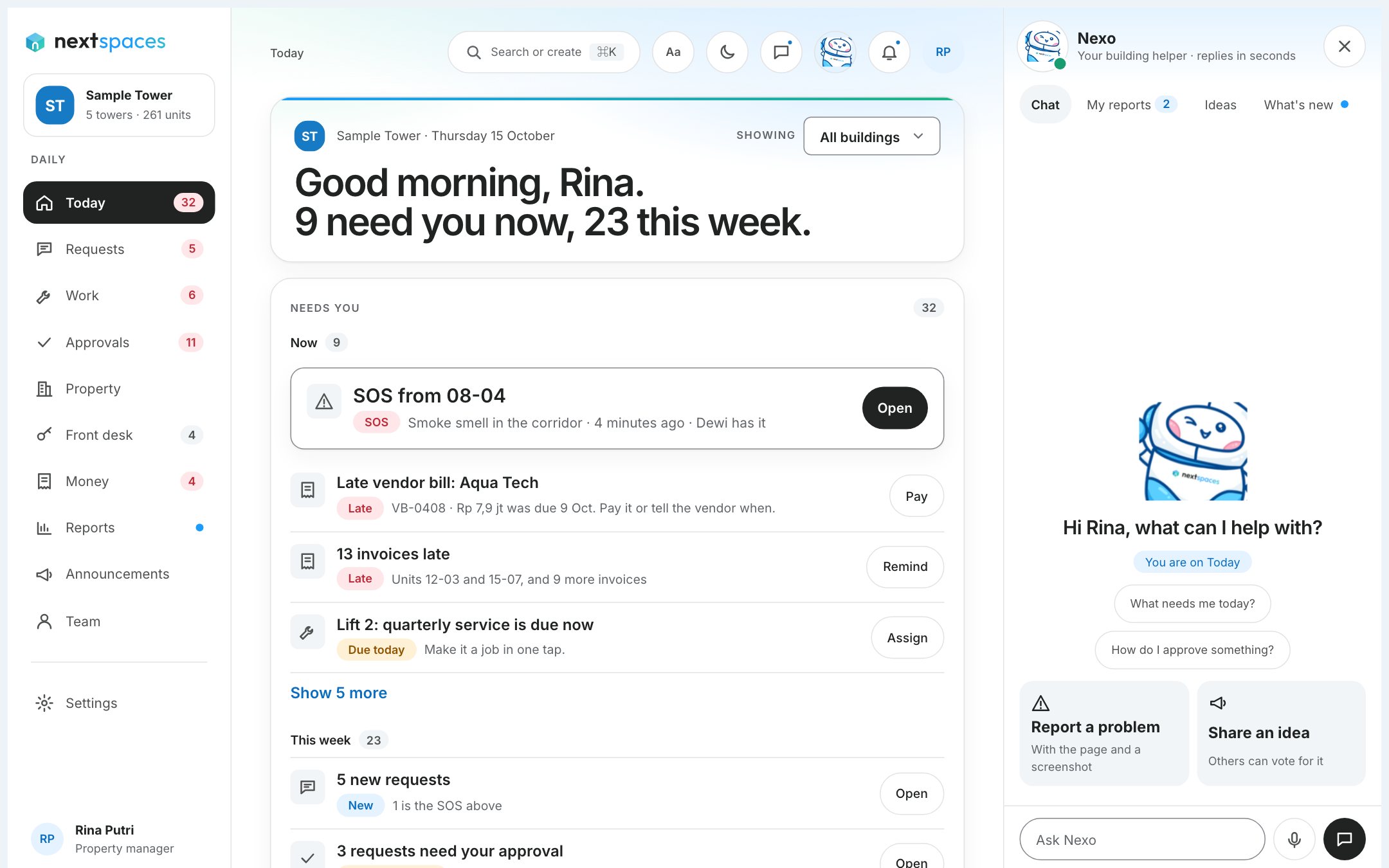
Today: one list
Everything that needs you, ranked by urgency for your role.
- Available
Approvals with a record
Approve or decline a request for spend. Every decision is recorded.
- Coming soon
Polls and announcements
Ask residents a question with a deadline and see the count, or post a notice.
Residents and team
3 features
- Available
Invite a resident by link
A link for each unit opens with the unit filled in. The resident confirms with a one-time code sent by email.
- Available
Invite your team
Invite staff and technicians by email and give each a role.
- Coming soon
Move-in and move-out
Start a move, set who pays, take a deposit and settle the final bill.
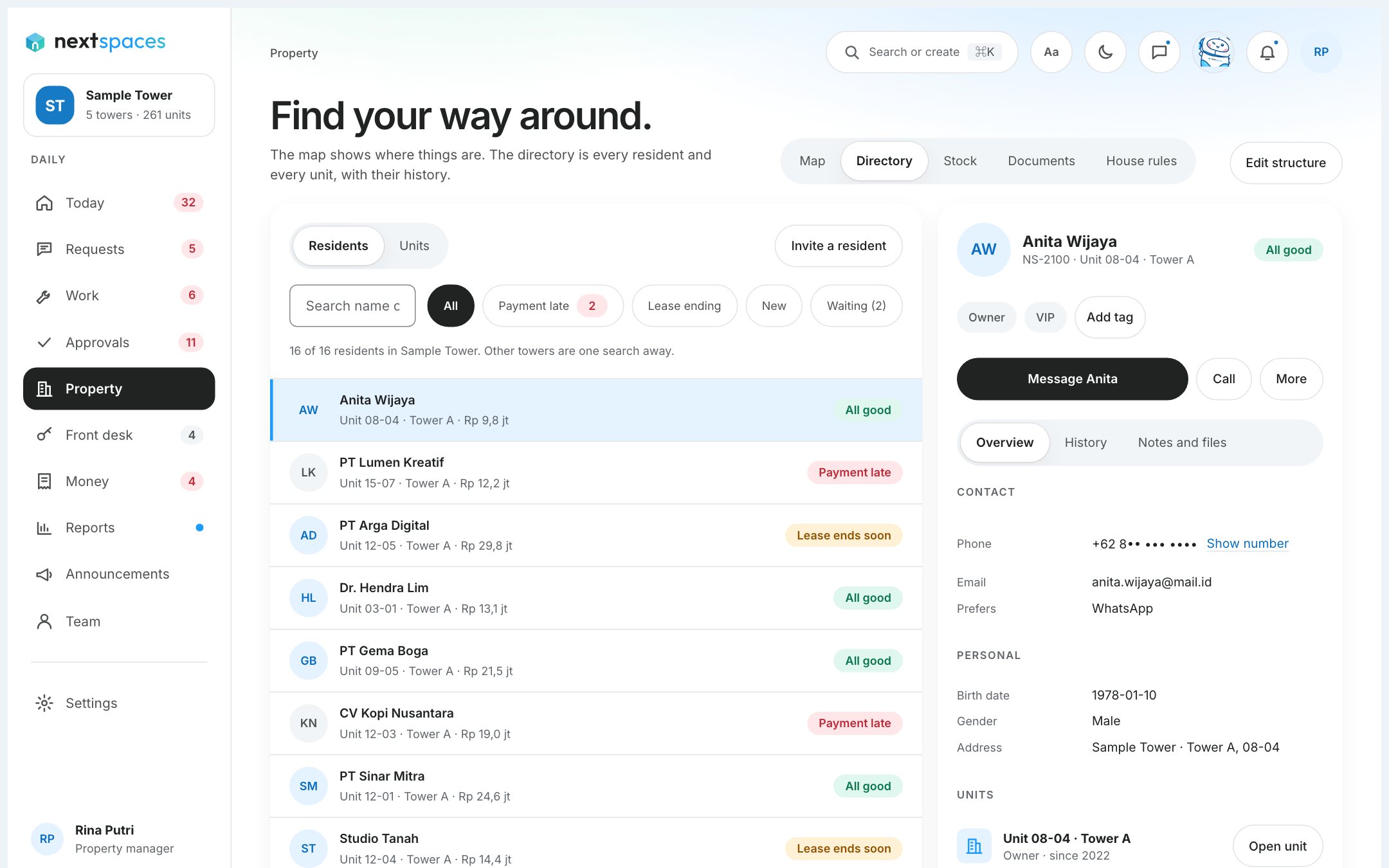
Front desk
12 features
- Coming soon
Visitors and passes
Residents invite visitors with a QR pass, and the front desk checks them in and out.
- Coming soon
Parcels
Log a parcel, tell the resident, and hand it over.
- Coming soon
Facility booking
Residents book shared facilities, with rules such as a limit per unit.
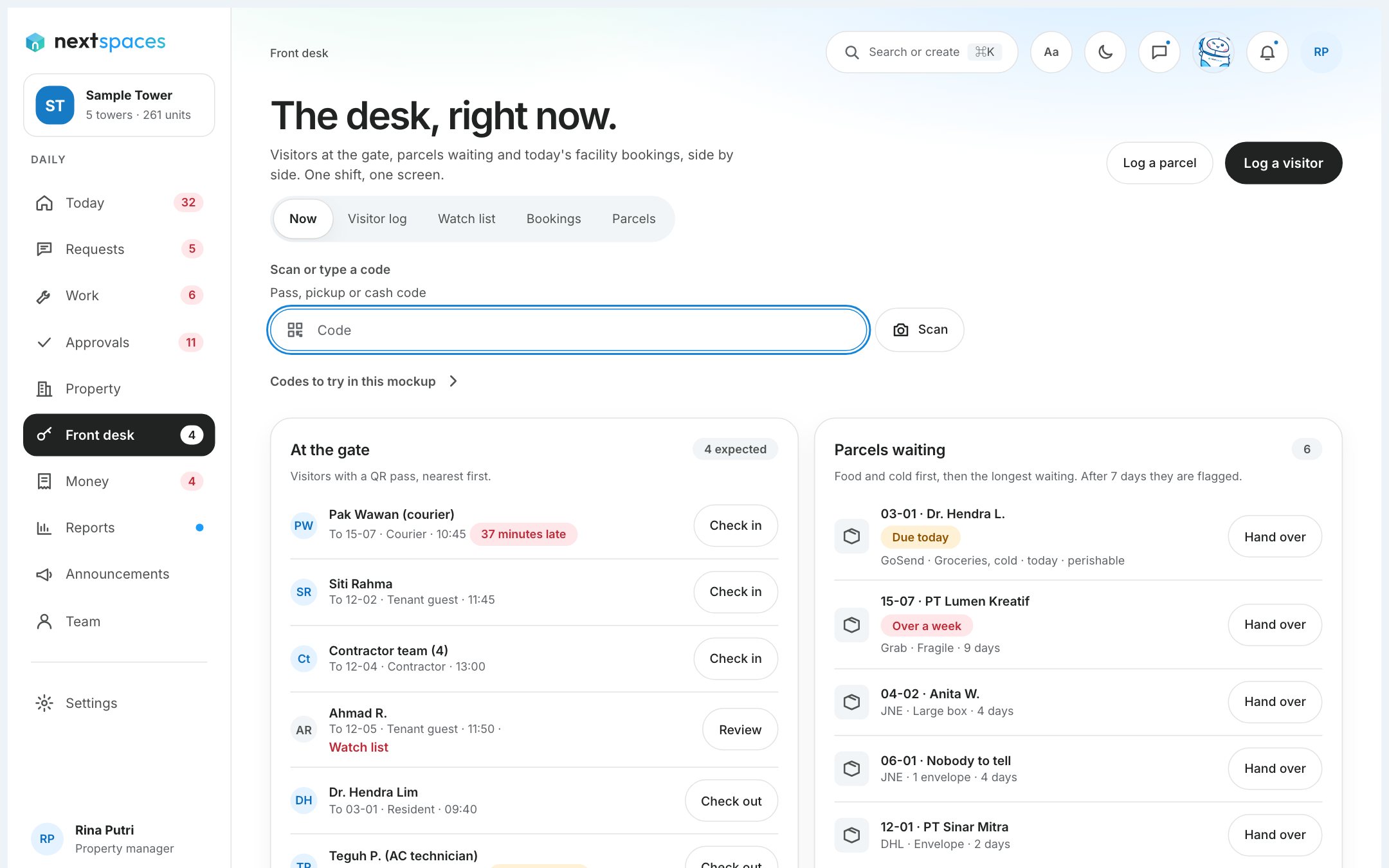
Money
3 features
- Coming soon
Bills and ways to pay
Invoice by bank transfer, virtual account or QRIS, and send reminders.
- Coming soon
Owner statements
A monthly statement for owners, with a pay link and proof of transfer.
- Coming soon
Month close and accountant exports
Close the month and export records and an audit pack your accountant can use.
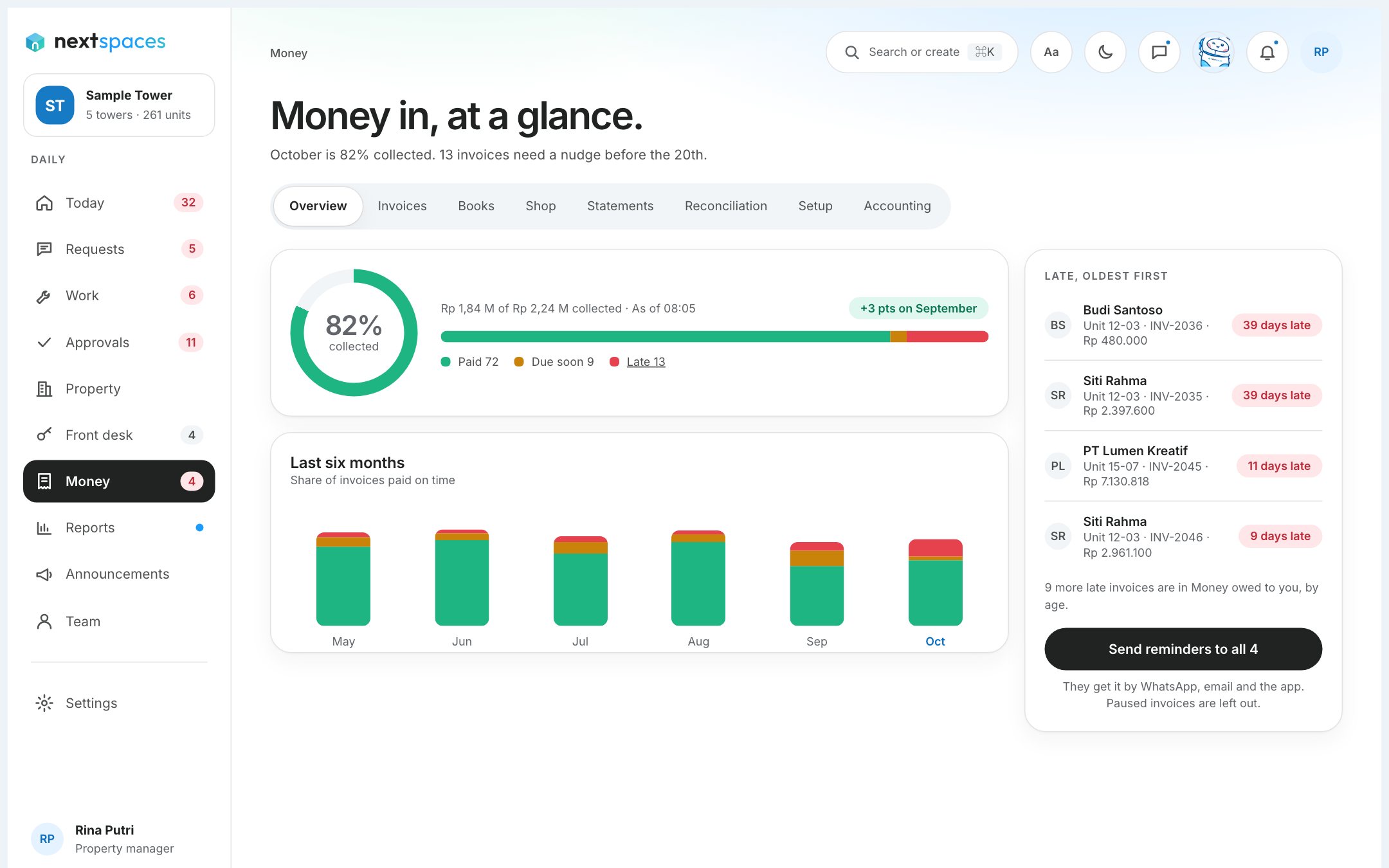
Safety and SOS
2 features
- Coming soon
SOS button
A button on every resident screen that sends an emergency to the team.
- Coming soon
Repeating alarm and escalation
The alert repeats until a person takes it, and escalates if nobody does.
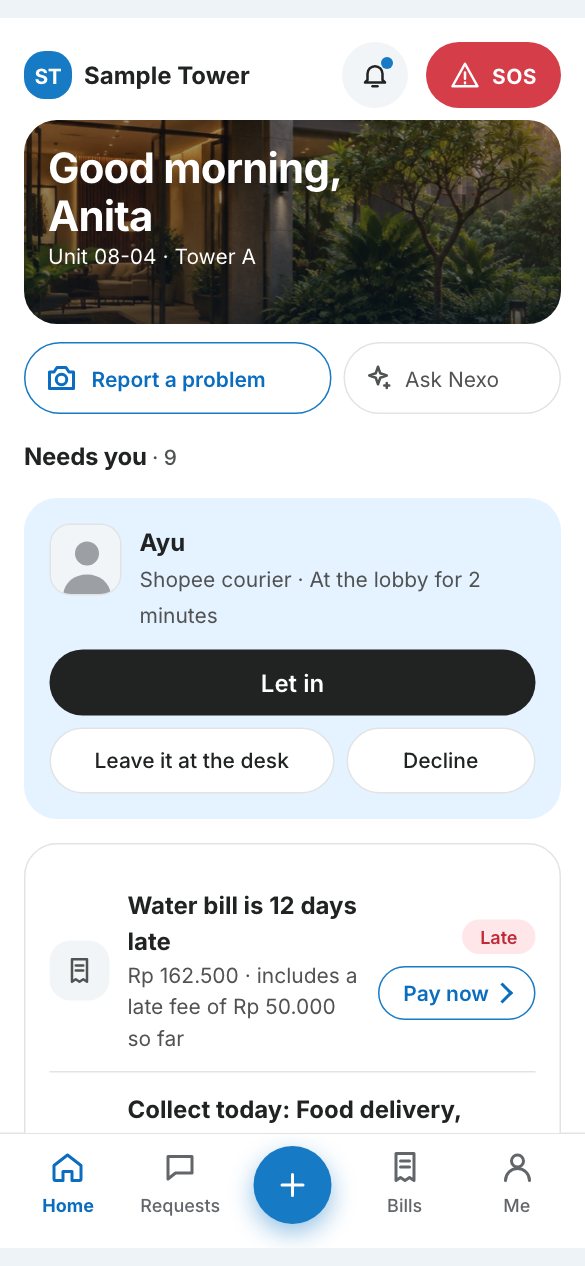
Nexo, the assistant
2 features
- Coming soon
Ask Nexo
Answers from your building’s own guides, with a button that opens the right page.
- Coming soon
Hand-off to our team
When Nexo cannot solve it, our team gets the page, your role and what you did.
Notifications and phone
5 features
- Available
Push and email notifications
Tap a notification to open the right page. Each person hears what matters to them.
- Available
Preferences and quiet hours
Notifications follow each person’s preferences and quiet hours.
- Available
Install on the phone
Add Nextspaces to the home screen and use it like an app, with no app store.
- Available
Technicians work offline
Photos and updates wait on the phone and send when the signal returns.
- Coming soon
WhatsApp from your own number
Notices and reminders go out from the property’s WhatsApp number.
Security and privacy
7 features
- Available
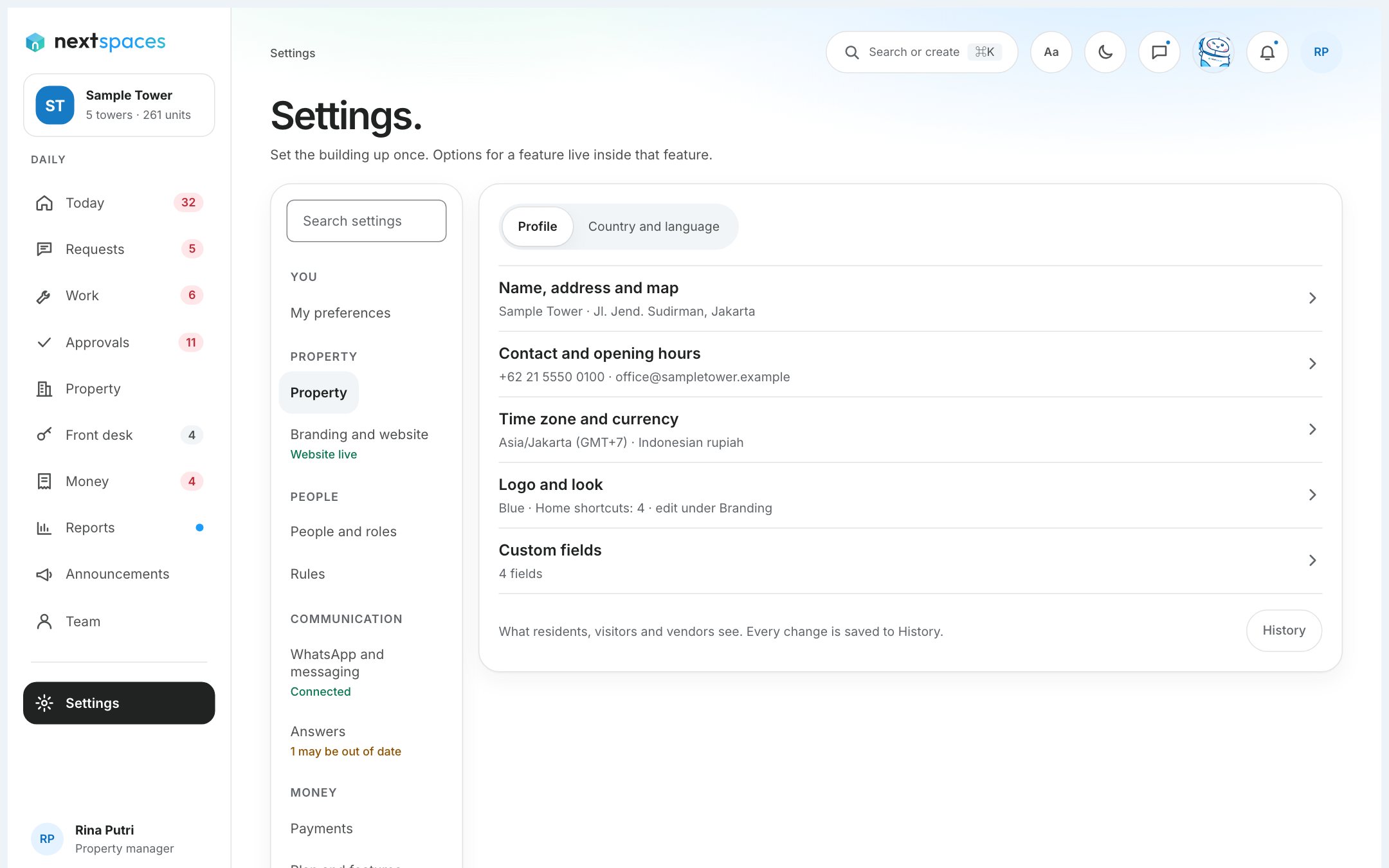
Authenticator-code sign-in
Staff sign in with a password and a code from an authenticator app.
- Available
A fresh code for big actions
The most sensitive actions ask for a new code first.
- Available
Your sessions
See where you are signed in, and sign out everywhere else.
- Available
Properties kept apart
Row-level security stops one property reading another’s data, and it is tested automatically.
- Available
A record of every action
Changes are logged with who, when, and before and after. Staff cannot edit the log.
- Available
Terms and privacy, accepted once
People accept the current terms and privacy notice, and the acceptance is recorded.
- Available
Your data, your choice
Ask for a copy of your data, or for a correction or deletion, from Account.
Languages
2 features
- Available
English and Bahasa Indonesia
The product speaks both today, with the same words in every app.
- Coming soon
Japanese, Korean and Chinese
Planned for after launch.
- English
HQ
1 feature
- Coming soon
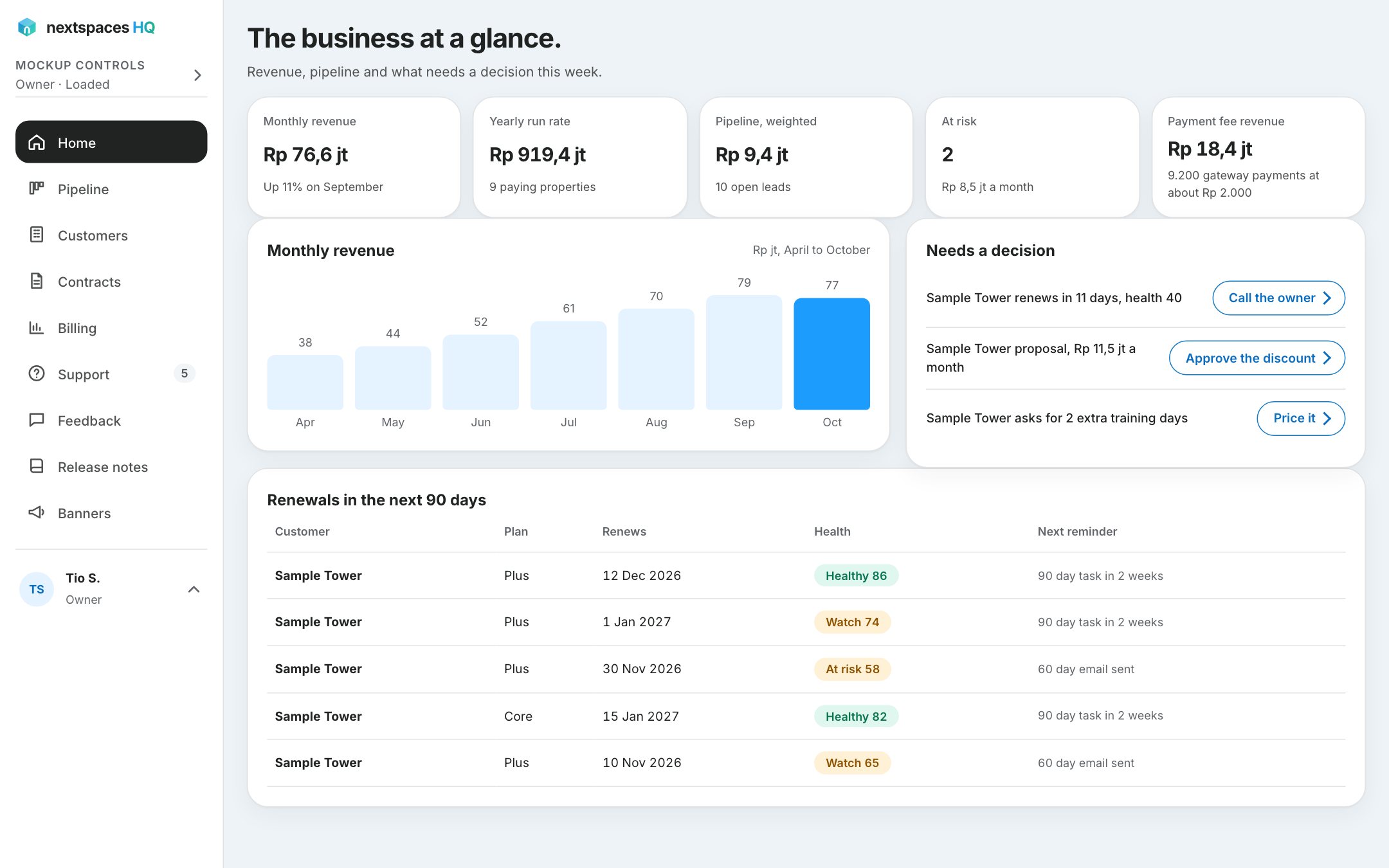
The HQ console
Our team’s console for properties, renewals, billing, support and release notes.
Property views
1 feature
- Coming soon
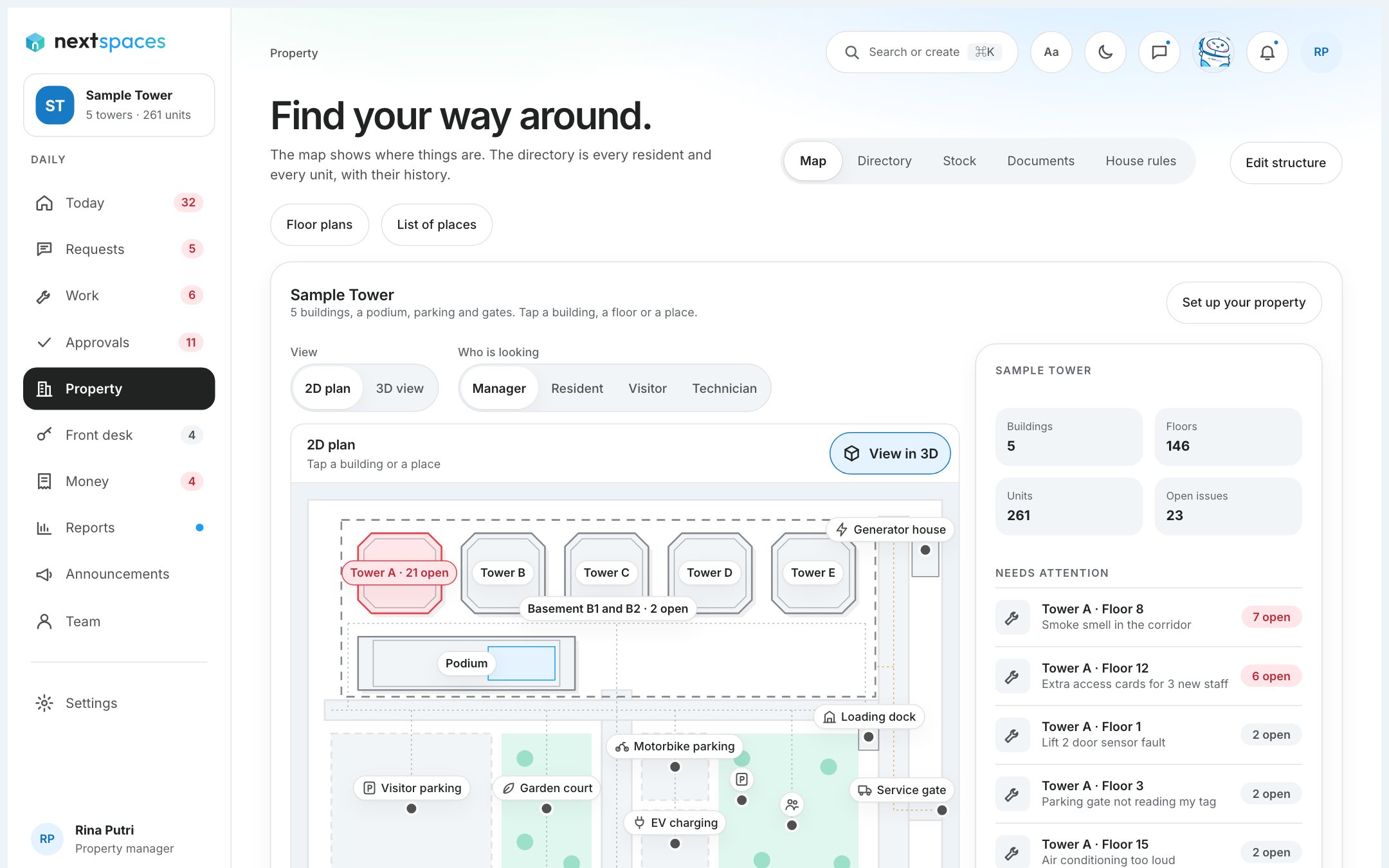
Property plan, 2D and 3D
A 2D plan of the building with open issues on it, and a 3D view on demand.